Windows Help & Advice | September 2018
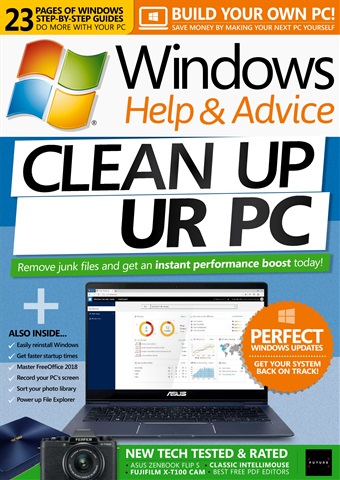
CLEAN UP YOUR PC
The problem with PCs isn’t usually to do with Windows or the PC itself, instead it’s often down to a malicious program infecting it, or a program behaving badly and putting files all over the place that slow things down. There are also programs that specialise in taking over your PC, insisting that they run and getting in the way all the time. And what’s worse, these programs often have the habit of circumventing your security settings and getting on to your PC once you are connected to the Internet. The good news is that you can detox a PC from these sorts of apps very easily, and shore up your security settings to stop them getting a foothold again. So if you suspect that a rogue program is causing problems on your PC, the solution to your woes lies in the following pages. In this feature we’re going to show you how to first check your PC for malware, then start to remove it. Once your system is clean we’ll look at how you can keep it that way, and even tune it up so it goes a little faster than before.
meer lezen
minder lezen
Als abonnee ontvang je de volgende voordelen:
• Een korting op de verkoopprijs van je tijdschrift
• Je tijdschrift elke maand op je apparaat
• Je zult nooit een editie missen
• Je bent beschermd tegen prijsstijgingen die later in het jaar kunnen plaatsvinden
Je ontvangt 13 edities gedurende een periode van 1 jaar Windows Help & Advice abonnement op een tijdschrift.
Opmerking: Digitale edities bevatten niet de omslagitems of supplementen die je zou vinden bij gedrukte exemplaren.
Artikelen in deze editie
Hieronder vindt u een selectie van artikelen in Windows Help & Advice September 2018.