Windows Help & Advice | September 2018
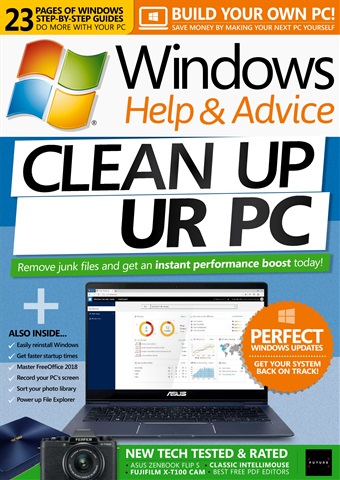
CLEAN UP YOUR PC
The problem with PCs isn’t usually to do with Windows or the PC itself, instead it’s often down to a malicious program infecting it, or a program behaving badly and putting files all over the place that slow things down. There are also programs that specialise in taking over your PC, insisting that they run and getting in the way all the time. And what’s worse, these programs often have the habit of circumventing your security settings and getting on to your PC once you are connected to the Internet. The good news is that you can detox a PC from these sorts of apps very easily, and shore up your security settings to stop them getting a foothold again. So if you suspect that a rogue program is causing problems on your PC, the solution to your woes lies in the following pages. In this feature we’re going to show you how to first check your PC for malware, then start to remove it. Once your system is clean we’ll look at how you can keep it that way, and even tune it up so it goes a little faster than before.
Per saperne di più
leggere di meno
Come abbonati riceverete i seguenti vantaggi:
• Uno sconto sul prezzo di vendita della rivista
• Nuove edizioni consegnate sul tuo dispositivo il giorno stesso dell'uscita
• Non perderete mai un numero
• Siete protetti dagli aumenti di prezzo che potrebbero verificarsi nel corso dell'anno
Riceverete 13 edizioni durante un periodo di 1 anno Windows Help & Advice abbonamento alla rivista.
Nota: le edizioni digitali non includono gli articoli di copertina o i supplementi che si trovano nelle copie stampate.
Articoli in questo numero
Di seguito una selezione di articoli in Windows Help & Advice September 2018.