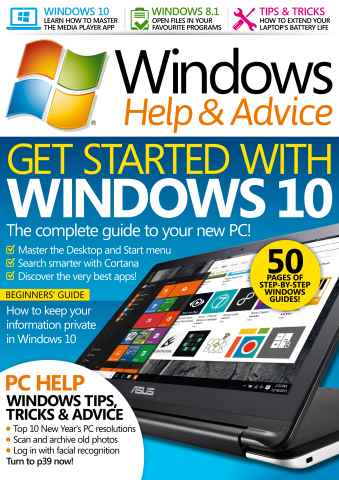
Windows Help & Advice | February 2016
GET STARTED WITH WINDOWS 10
Since its release, back in July 2015, Windows 10 has proved to be a hit with people all over the world. The fact it was offered as a free download (for the first year, anyway) has helped, but the response to new features such as the Start menu and Desktop, has also been very positive. If you have Windows 7 or Windows 8 then installing Windows 10 is pretty much straightforward. Just look out for the icon to upgrade (it will appear in your system tray), and follow the instructions once you’ve clicked on it. Naturally, some people have been holding back, waiting to upgrade once the new system has clearly proved itself. Whether you’ve been waiting to see how others got on with it before you take the plunge, or whether you received a Windows 10 PC for Christmas, then this guide will give you everything you need to get started.
Seguir leyendo
leer menos
omo abonado recibirá las siguientes ventajas:
• Un descuento sobre el PVP de su revista
• Las nuevas ediciones se envían a tu dispositivo el día de su lanzamiento
• Nunca te perderás un número
• Estás protegido de las subidas de precios que puedan producirse más adelante en el año
Recibirás 13 problemas durante un año Windows Help & Advice suscripción a la revista.
Nota: Las ediciones digitales no incluyen los artículos de portada ni los suplementos que encontraría en los ejemplares impresos.
Artículos de este número
A continuación encontrará una selección de artículos en Windows Help & Advice February 2016.